
How to Use Mixmi as a Customer
Jun 24, 2026
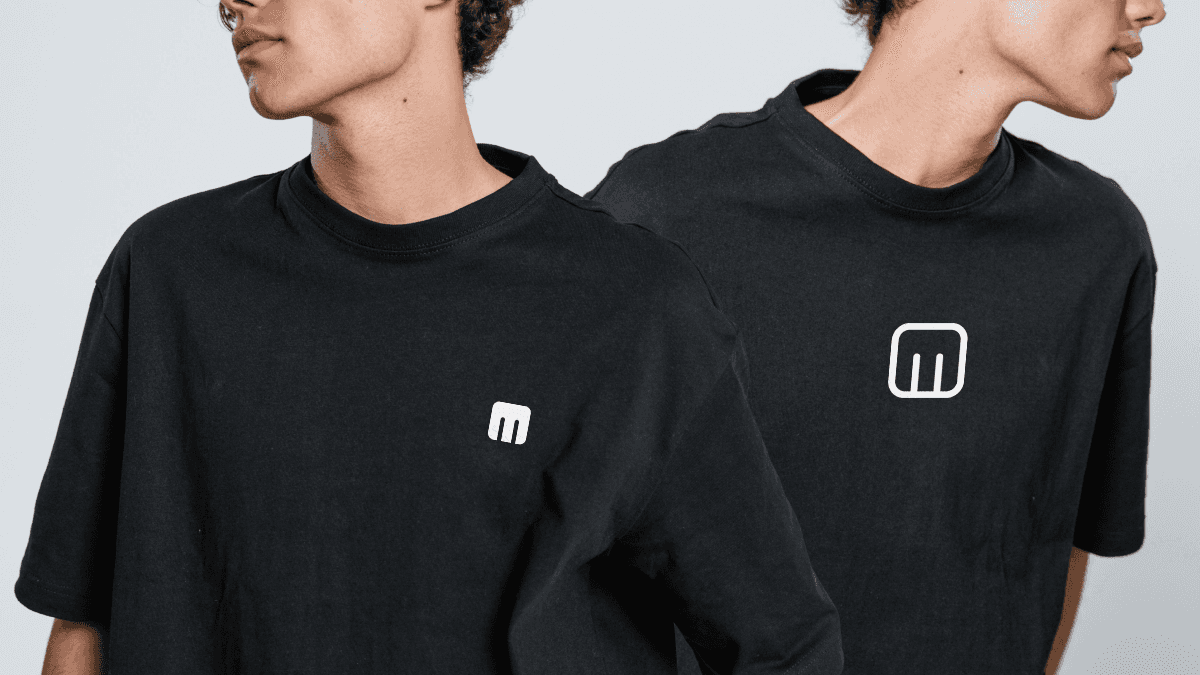
Shopping on Mixmi? Here's how to find designs you love, mix your own, and check out, step by step.
Welcome to Mixmi
Mixmi is where artwork from independent Filipino creators meets products you can actually hold, like shirts, hoodies, art prints and stickers. Here's how to shop, step by step.
1. Browse and discover
Start on the Discover feed or visit a creator's shop. Like, save, and follow as you go. Anything you save lands in your stash so you can find it again later.
2. Pick your path: buy or mix
When something catches your eye, you have two options, and both are easy:
Buy it as-is. If a creator already placed their art on a product, add it to your cart and check out.
Customize it. Open it in the editor to change the product, adjust colors, or add more artwork before you buy.
Want to start fresh? Choose a product first, then drop in any artwork you like. Neither path is "the right way." Pick whichever fits your mood.
3. Mix and save
Here's the fun part. Mixmi has a Mix & Save pricing engine: the more artworks you add to a single product, the less each additional piece costs.
The first artwork is full price. Every artwork after that comes in at a reduced rate, so a layered, busy design can cost far less than you'd expect.
You can combine artwork from several different creators on the same product, building something that's truly your own.
4. Preview before you buy
Every design shows a live mockup, so you can see exactly how it will look on the product before you order. Adjust until it feels right.
5. Check out
When you're ready, pay with the option that suits you:
GCash, Maya, QR Ph, or card. No extra fee.
Cash on Delivery (COD) where available. Adds a flat ₱20 fee.
Shipping is a flat ₱100 anywhere in the Philippines. If you choose COD, a one-time ₱20 fee is added and shown as its own line at checkout, so you always know your total before you pay.
Need help?
Check the FAQ for quick answers, or reach out anytime. Happy mixing.