
How to Use Mixmi as an Artist
Jun 24, 2026
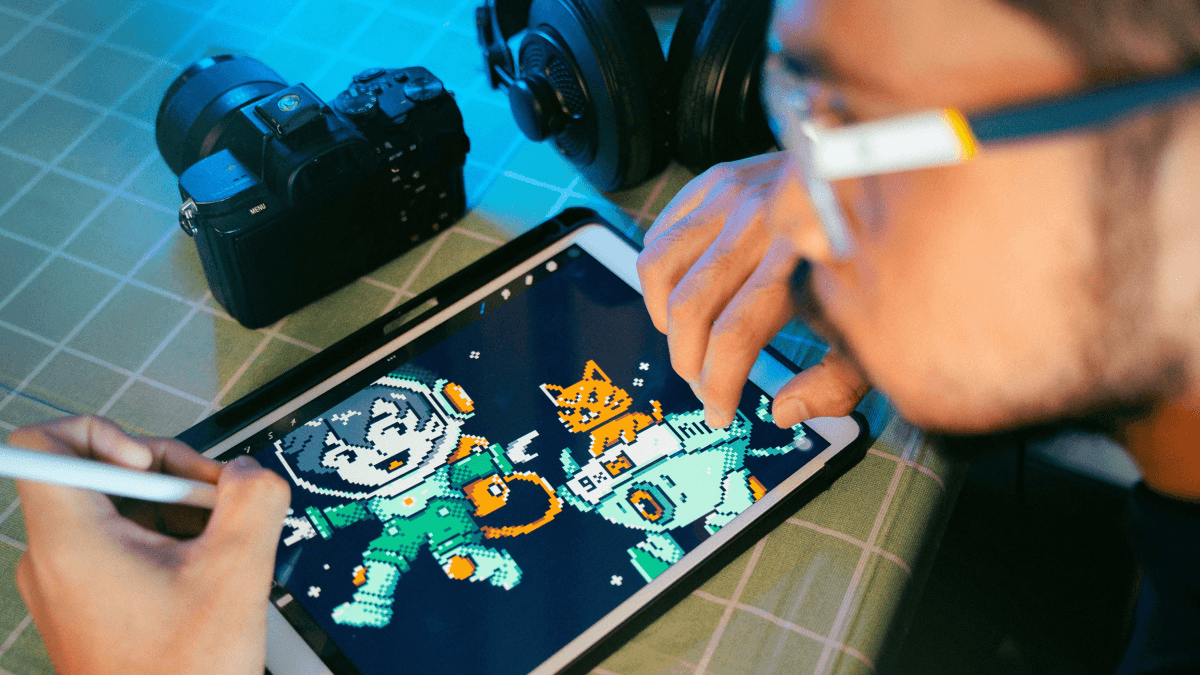
Ready to earn from your art? Here's how to upload your work, build your shop, collaborate, and get paid on Mixmi.
Turn your art into earnings
On Mixmi, your artwork goes on real products that people across the Philippines can buy. Every time someone buys a design that includes your work, you earn from it. Here's how to get started.
1. Become a creator
Creator accounts are open to Filipino citizens. Just switch on creator mode from your account and you're ready to go. Your username is your shop name, so there's nothing extra to set up.
2. Upload your artwork
Upload a high-resolution PNG (300 DPI) or an SVG vector file. Set your price, add a title, and publish. We'll take care of showing your work in Discover and on your shop page.
Good to know: higher-resolution files print better and look sharper on mockups. Upload the best version you have.
3. Add ready-made compositions to your shop
You don't have to wait for buyers to build something themselves. Create your own composition, place your art on a product, and add it to your shop. It's completely free.
Buyers can then purchase it directly from your profile page, no editing or customizing required. It's the easiest way to show people exactly what your art looks like on a finished product.
4. Collaborate with other artists
Mixmi is built for artists to work together. Try creating a composition that combines your art with another creator's, then add it to your shop. When it sells, everyone whose artwork is included earns from it. Collaboration is part of how Mixmi works, so make the most of it.
5. How you earn
Every sale that includes your artwork credits your account automatically, whether a buyer bought your design as-is or mixed it into their own creation. You don't handle printing, shipping, or payments. Mixmi takes care of fulfillment, and your earnings are tracked for you.
6. Track your earnings
Your dashboard shows your balance in real time:
Pending balance. Earnings from orders that are still being fulfilled.
Available balance. Earnings that are ready to withdraw.
Pending earnings move to available once the order is fulfilled.
7. Get paid
Once your available balance reaches the minimum, request a payout to your GCash or Maya account. A small transfer fee applies to each payout, and the rest is yours.
Tips for more sales
Upload consistently. More artwork means more chances to be discovered.
Add ready-made compositions so buyers can purchase straight from your profile.
Collaborate with other artists to reach new audiences.
Use clear titles and clean, print-ready files.
Need help?
Check the FAQ or reach out anytime. We can't wait to see what you create.