
What's new: sticker sheets, reviews with photos, and easier checkout
Six weeks of work has landed since the last update. Here is what changed.
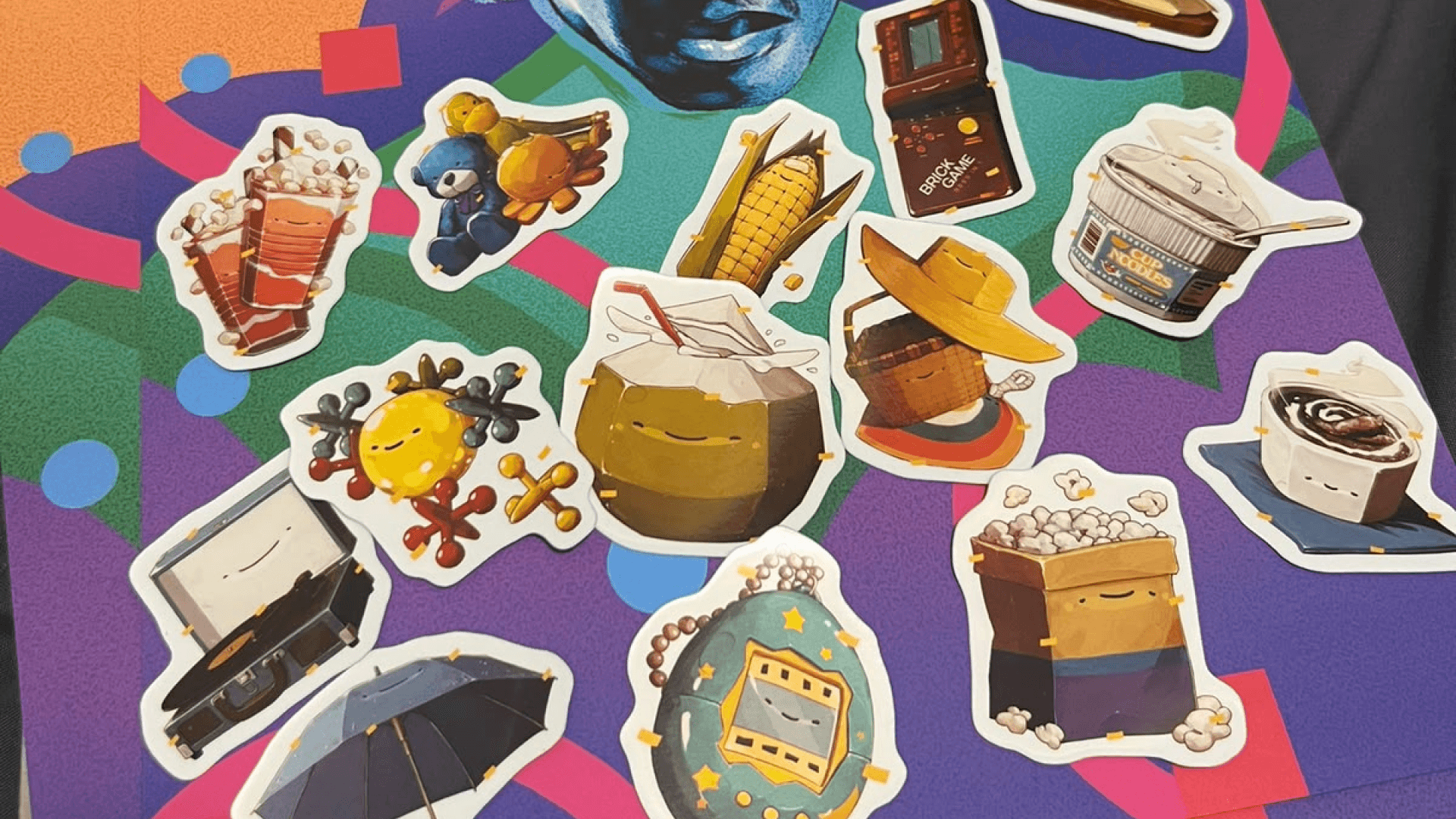
Sticker sheets
Sticker sheets now come in 2x2, 3x3 and free layouts. The grids are drawn at true size and fit themselves to the visible part of your artwork, so what you arrange is what gets cut.
You can pick the sheet colour, and the tiles, the preview and the collage all show the colour you chose. There is also a collage thumbnail you can drag and zoom to look closely at a sheet.
Cut shapes are new. You can set a cut shape per sticker instead of one shape for the whole sheet: Rounded on free layouts, with a corner radius you control, and rounded corners on grid squares. The printed cut now matches the rectangle you see in the editor, which it did not before.
New sticker designs open landscape on a computer and portrait on a phone. You no longer need an account to design and buy a sticker sheet.
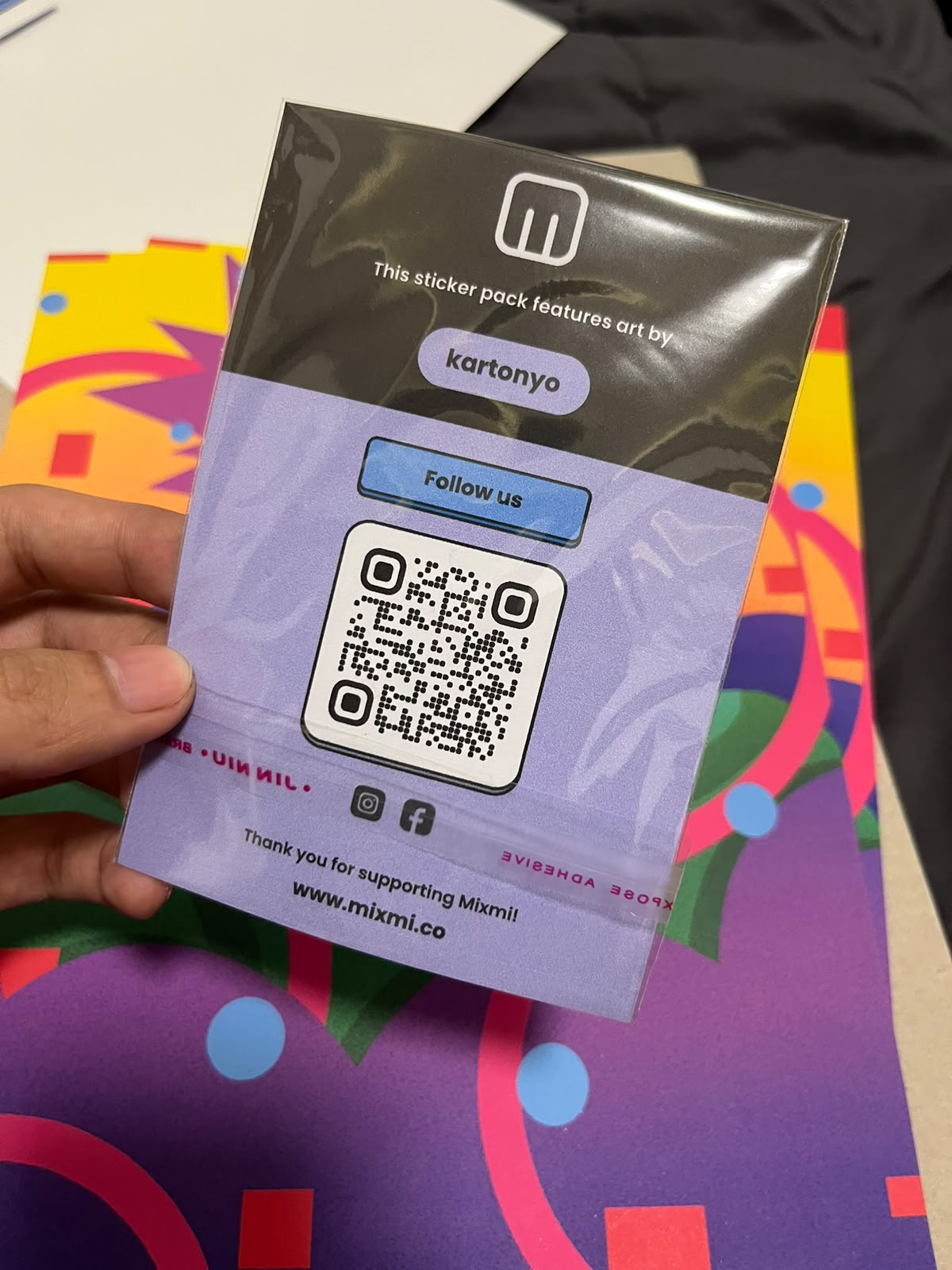
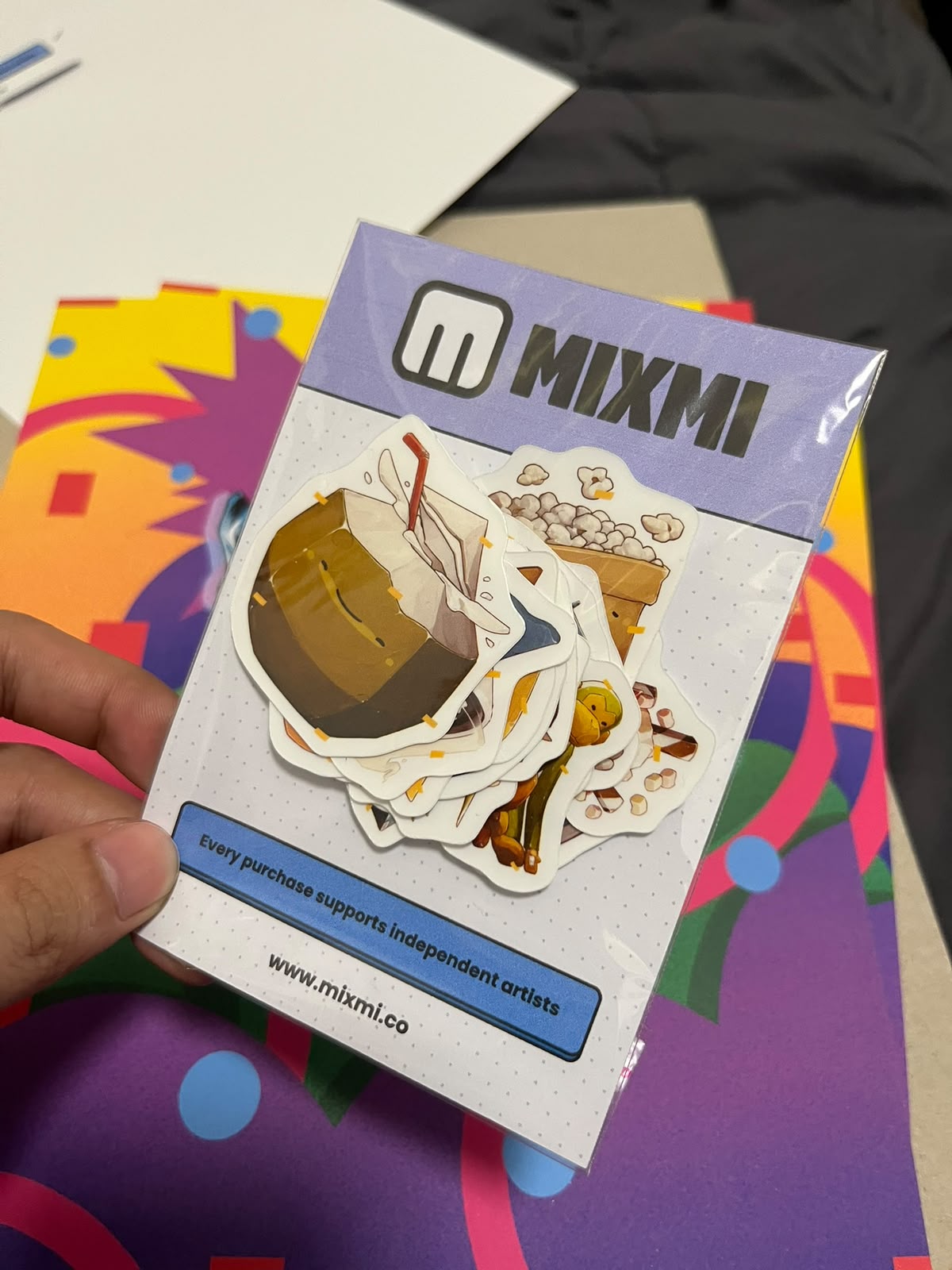
Sticker sheets now arrive in proper Mixmi packaging. The back names the artist whose design you bought, so the credit travels with the stickers, and a QR code opens mixmi.co/follow if you want to follow along on Instagram or Facebook.
Reviews with photos
You can add up to five photos and one video to a review, and tick "Also show this on my profile" if you want it on your public page.
Reviews now sit on the product you actually bought and also show on the original design, so everything written about a design is in one place. Rating is a single product rating, which is simpler than the split ratings before.
Buying and delivery
Global items work in the guest cart now, priced live in US dollars. Local and global items go through separate checkouts, since they ship from different places.
Global items show a delivery estimate, and a notice that customs fees may apply on arrival.
Countries we cannot ship a global product to are no longer offered at checkout.
Cash on Delivery orders now tell you exactly how much cash to have ready.
If a payment fails as a guest, you can retry it, and you can look up your order without an account.
Track package opens the courier's search with your tracking number already filled in.
Order updates reach you in the app and by email, including delivered, cancelled, and the outcome of a refund claim.
You can cancel a single item in an order instead of the whole thing.
Checkout and the footer show which payment methods we accept.
For artists
There is no longer a maximum print size on uploads. Large files are fine, within a memory limit, and you get a warning when a file would print smaller than most.
Upload suggests tags you have used before.
You can set a separate price for art prints, apart from your apparel price.
Your followers are now told when you upload something new. That notification never actually fired before, so nobody was being told.
You can set your own price for your art on global products, as long as it is at least 1.5 times your local price.
The editor has saved templates, a searchable catalog picker, and alignment tucked behind one dropdown.
There is an earnings calculator on the Start selling page.
Reports, auto-hides and refund claims on your work now notify you.
New artists give their TIN when they apply, and everyone accepts the Creator Terms once before their first payout. If you have not accepted them yet, the payout form will ask you.
There is an artist directory, and Top Creators is ranked by sales.
You get an email when a message to you goes unread, and chat renders bullet lists.
Smaller fixes
Catalog cards for stationery now use real product photos instead of placeholders.
International cards work at checkout again.
Checkout stores a phone number a courier can actually dial.
The order confirmation email now arrives before we send the order on to be made.
On a phone, the product chip no longer covers the Back tab in the editor.
The 2 inch minimum artwork size on apparel is gone.
SVG uploads are no longer rejected by the minimum size check.